View Polly Atlas Options
View Atlas–Level Options
Polly Atlas provides built-in controls to help users manage, monitor, and govern Atlas-level activities.
Accessing Atlas Options
Users can access Atlas-level actions by clicking the three-dot menu located next to the Atlas name at the top-left of the interface.
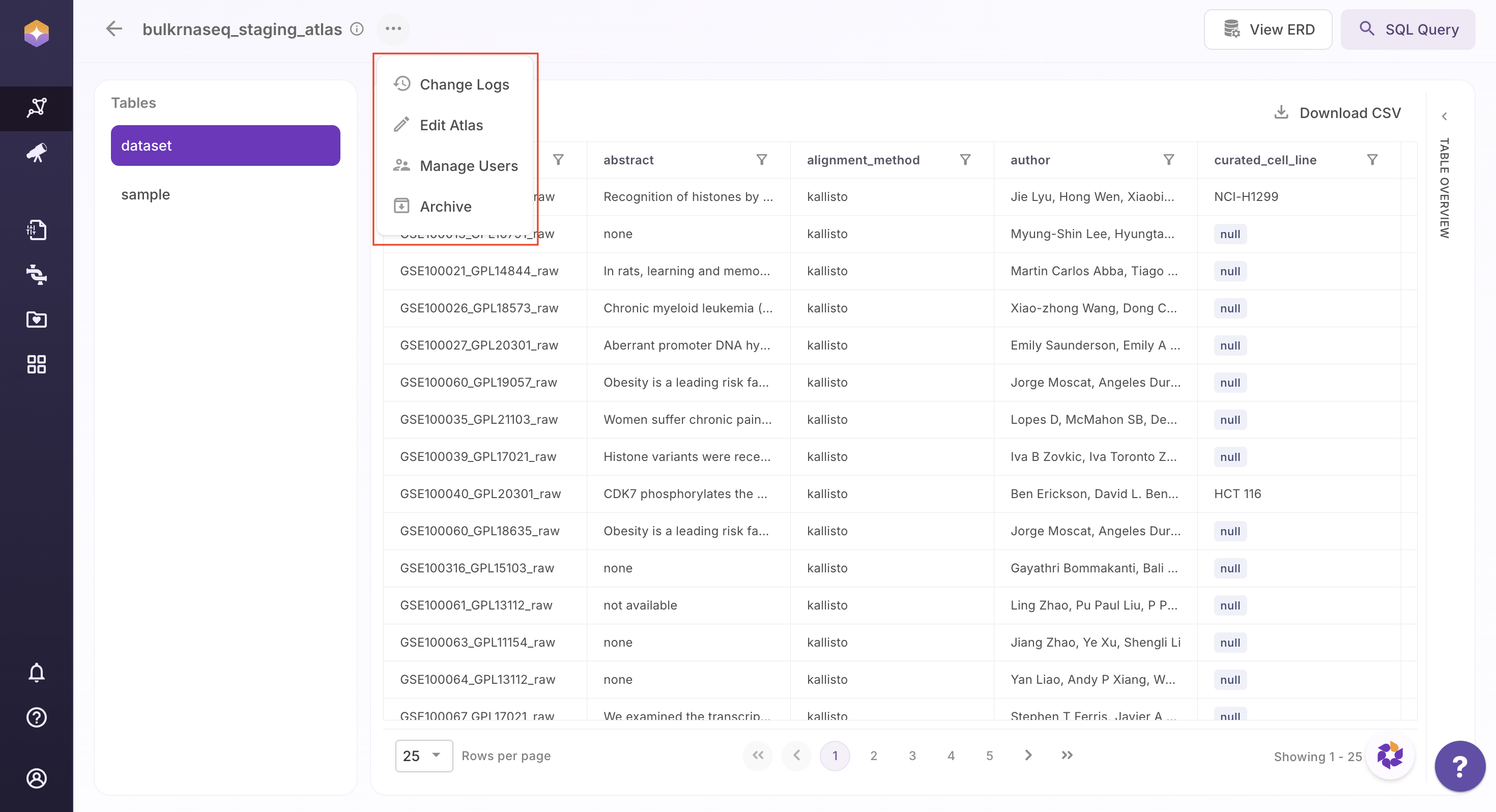
From the dropdown:
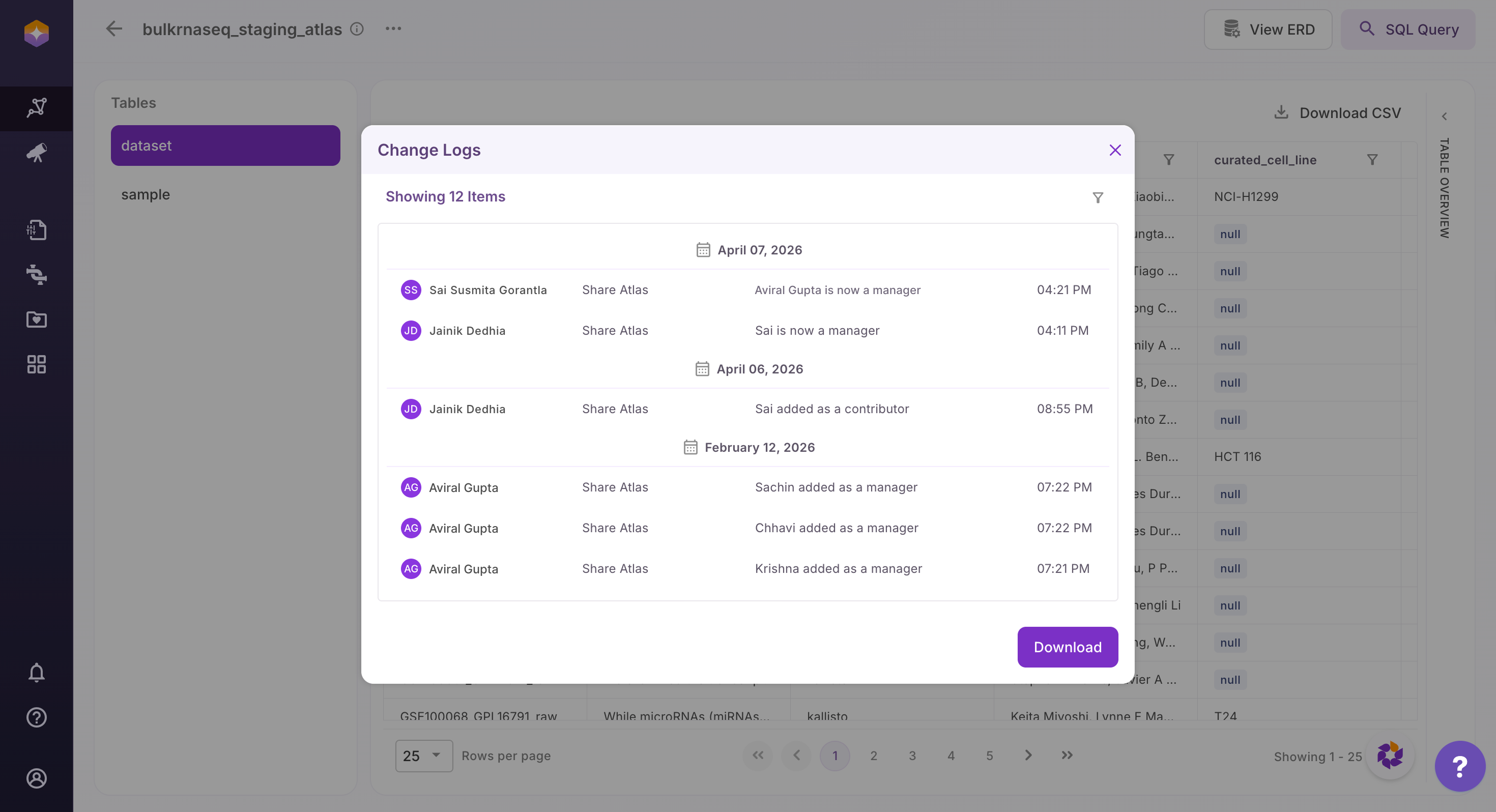
- Change Logs: Users can view a complete history of changes made to the Atlas, including schema updates and edits. Change logs can also be downloaded for auditing and traceability.
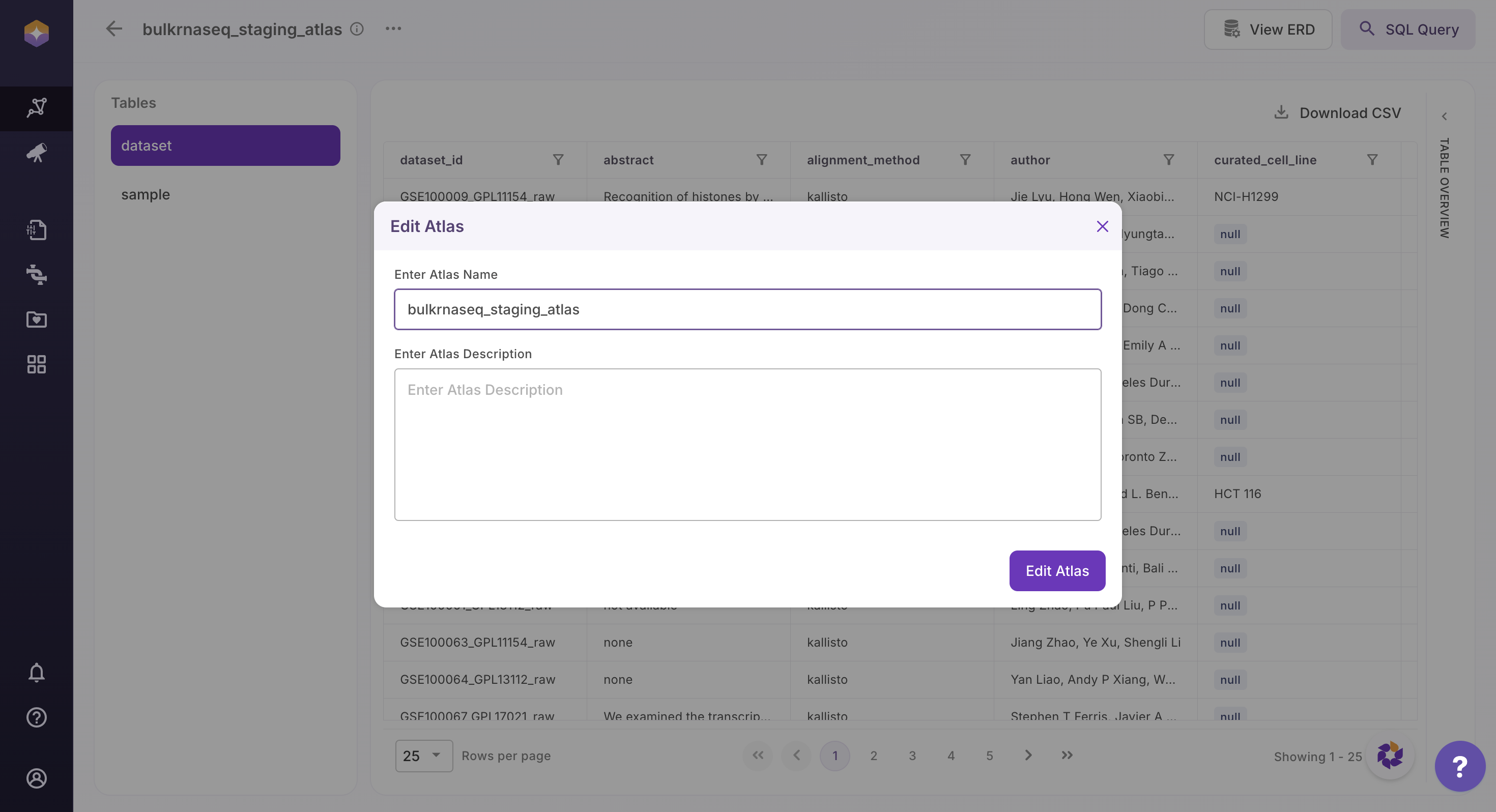
- Edit Atlas: Users can update the Atlas name and description to maintain accurate documentation and context.
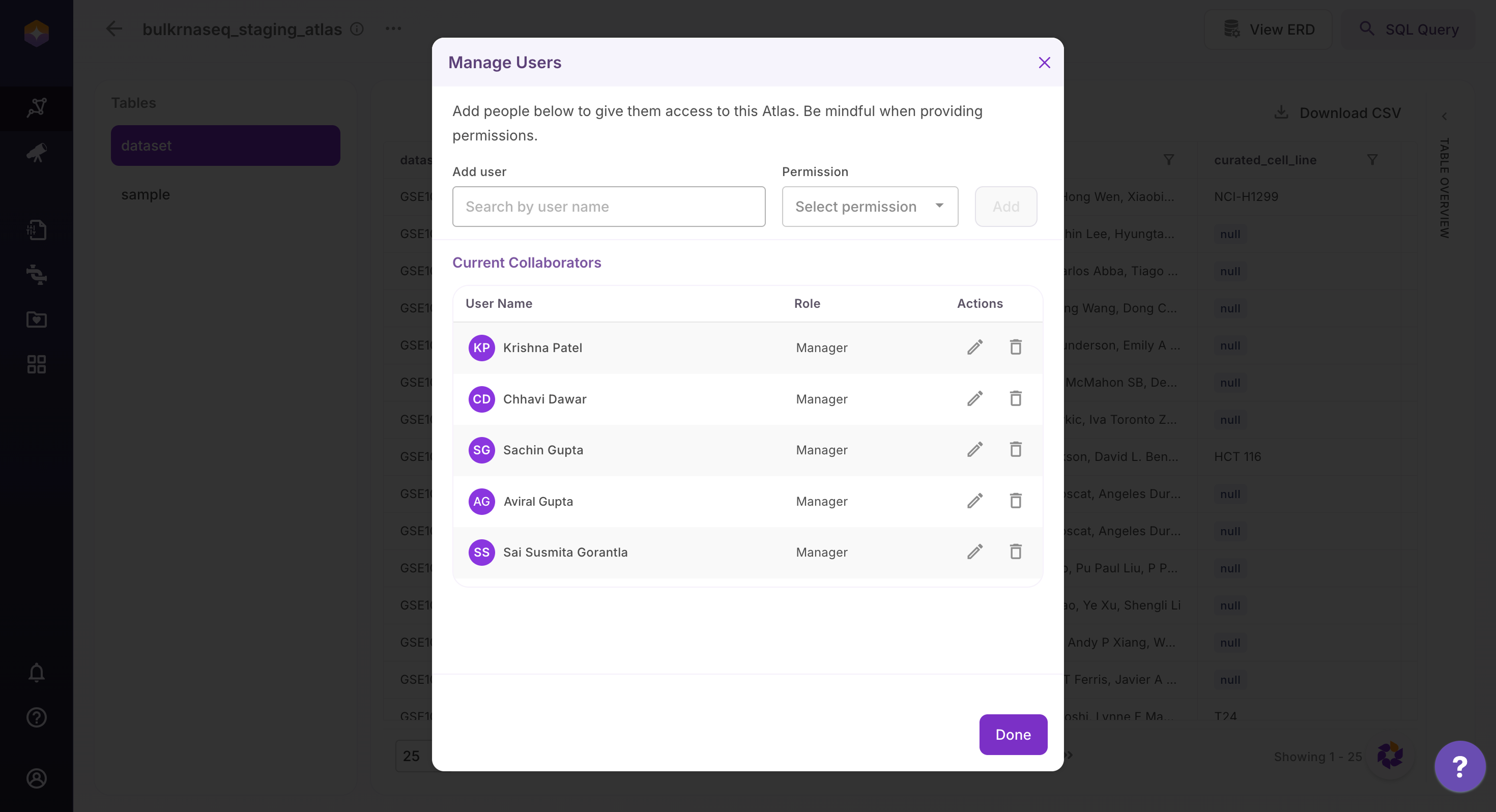
- Manage Users: Users can view and manage who has access to the Atlas, including assigning roles and permissions.
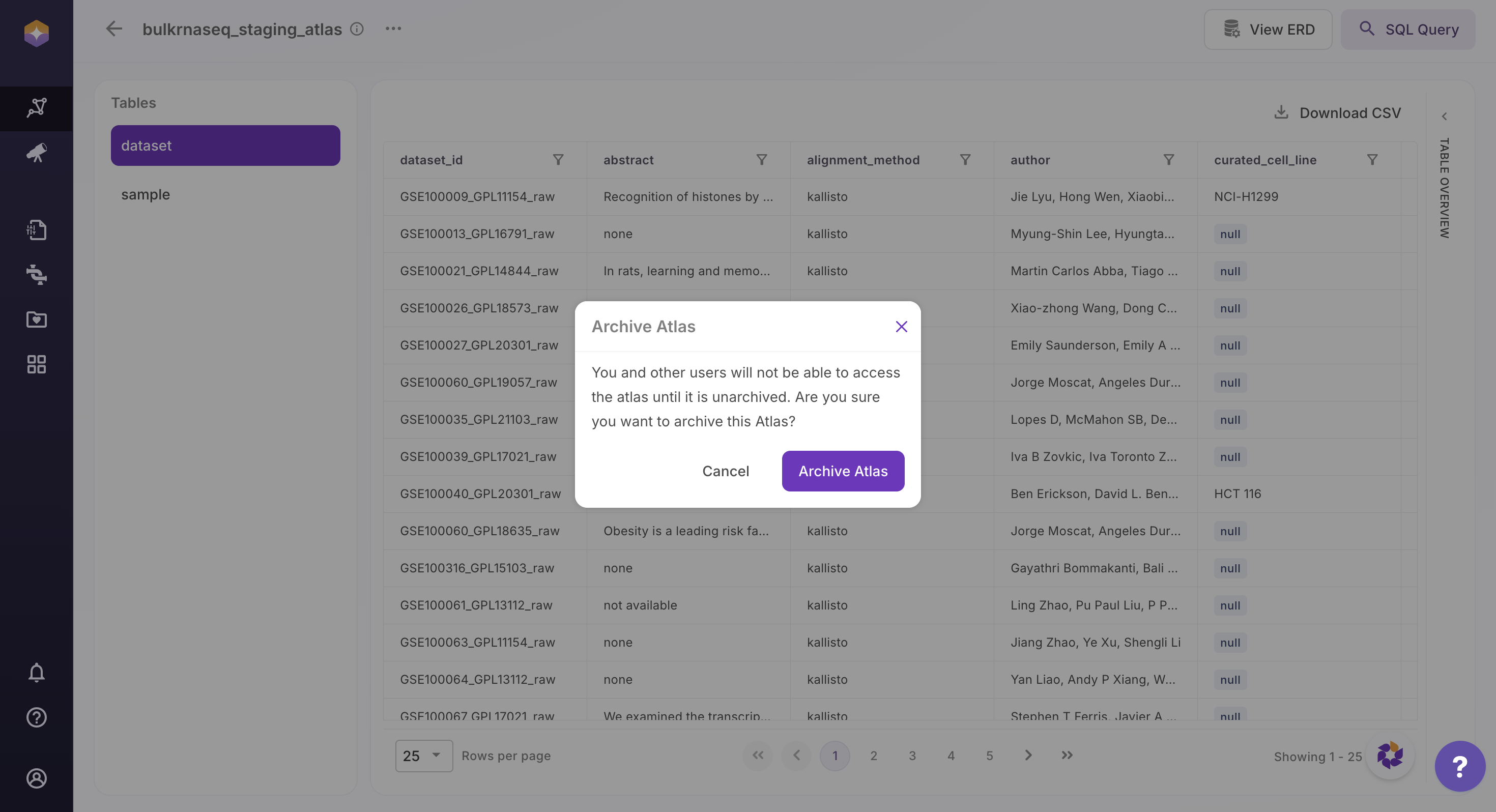
- Archive Atlas: Archiving an Atlas restricts access for all users. Once archived, the Atlas will no longer be accessible to you or other users until it is unarchived.
User Roles in Polly Atlas
Polly Atlas uses role-based access control to ensure secure and structured data access.
The Org Admin can create Atlases and assign roles to both internal and external users. Atlases can be shared with multiple users within an organization. Users with the Manager role (and Org Admin privileges) can further grant access to other users.
What Each Role Can Do
-
Manager
Users with this role can fully manage the Atlas, including updating metadata, managing schema, modifying data, and controlling user access. -
Researcher
Users can create and manage tables, update schema, and add or modify data, but cannot perform administrative actions like archiving the Atlas or managing access. -
Contributor
Users can add and update data within tables but cannot modify the schema or structure. -
Consumer
Users can explore, query, and export data but cannot make any changes.
Permissions Matrix
The table below summarizes what users can do based on their assigned role:
| Action | Manager | Researcher | Contributor | Consumer |
|---|---|---|---|---|
| View Atlas | Yes | Yes | Yes | Yes |
| View Atlas Change Logs | Yes | Yes | Yes | Yes |
| Update Atlas Metadata | Yes | Yes | No | No |
| Archive Atlas | Yes | No | No | No |
| Create Tables | Yes | Yes | No | No |
| View Tables | Yes | Yes | Yes | Yes |
| Add Columns to Tables | Yes | Yes | No | No |
| Remove Columns from Tables | Yes | Yes | No | No |
| Update Column Names | Yes | Yes | No | No |
| Define Table Relationships | Yes | Yes | No | No |
| Delete Tables | Yes | Yes | No | No |
| Add Data to Tables | Yes | Yes | Yes | No |
| Modify Data (Values Only) | Yes | Yes | Yes | No |
| Delete Data from Tables | Yes | Yes | No | No |
| Query & Filter Data | Yes | Yes | Yes | Yes |
| Export Data (CSV) | Yes | Yes | Yes | Yes |
| View Table Change Logs | Yes | Yes | Yes | Yes |